

Owning a business requires many things to be done to maintain the business. Moving a website can be a hassle, but sometimes necessary due to the performance of the website, problems with the brand, or SEO. Moving a website consists of three steps: analysis, planning, and implementation.
Moving a website can be a time-consuming process and can take several hours or days, but it can be done by yourself. There are multiple ways to move a website, such as switching domains, changing to new hosting providers, or changing to new website platforms. This article is to answer the question of website migration, as well as provide a detailed guide and checklist on how to smoothly and efficiently transition to your new website.
Table of Contents
- What Is Website Migration?
- The Different Types of Website Migration
- The Importance of a Website Migration
- Overview of Steps for Website Migration
- Checklist for Website Migration (Complete Guide)
- Website Migration Mistakes Common to Beware
- Website Migration Successful Practices
- Final Thoughts
- FAQs: Common Question About Website Migration
What Is Website Migration?
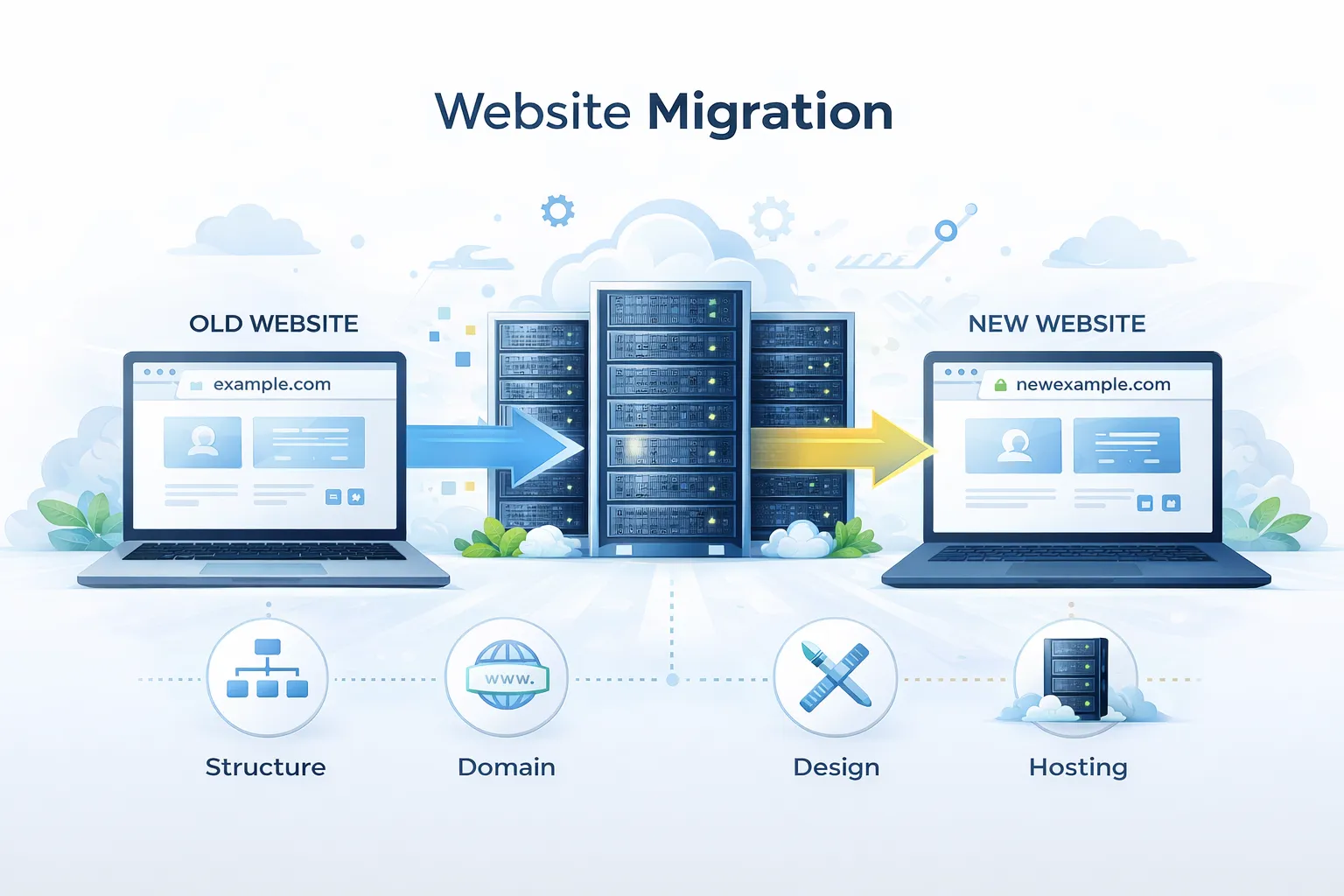
Website migration is defined as doing something significant to a website that can change the structure of the site, the content on the site, the technology on the site, the domain of the site, or the location of the site. Migrating to a new domain, changing the pages or design of the site, changing the addresses, changing the CMS, or changing to a new server as well.
The Different Types of Website Migration
- Change of domain (ex: example.com → newexample.com)
- Migration of hosting
- Migration of CMS or platform (ex: WordPress → Shopify)
- Redesign or restructure the site
- Change of protocol (ex: HTTP → HTTPS)
- Internationalization or expanding language options
To avoid UX (user experience) issues or the complications of SEO, every type of Migration must be carefully planned.
The Importance of a Website Migration
The process of website migration is technical, but it also has a big impact on brand identity, user experience, and position in the search ranking. If it’s not done carefully, it can create broken links, reduce site traffic, and lower ranking on the search results. However, the overall site migration can improve the speed of the site, the ease of usability, and the future scalability of the site.
Overview of Steps for Website Migration
There are three phases for how to do website migration:
- Steps for pre-migration plan
- Plan for the steps of migration
- Plan for post-migration monitoring
Each phase has its own unique steps that need to be done to ensure precision and stability.
Checklist for Website Migration (Complete Guide)
This is a website migration checklist to guide you and ensure you address every aspect of the migration, even the technical, SEO, and content elements.
1. Migration Planning
a) Outline Goals for the Migration
- What is your goal of the migration (improvement of SEO, rebranding, upgrade of performance)?
- What type of migration will it be?
b) Backup Creation
- Backup all files, databases, and additional content
- Backups should be securely stored in multiple locations
c) Analyze the Current Website
- Use Screaming Frog, Ahrefs, and other similar tools to obtain current URL information
- Generate export lists and include all pages, pictures, and other files
d) SEO Gain and Loss Auditing
- Show the best-performing pages and the best-performing keywords
- Assess the backlinks and where the traffic is coming from
- Note down the current positions and the statistics of the organic traffic
e) Old to New URL Adjustments
- Make a URL mapping sheet
- Determine 301 redirects for all previous URLs
- Try to keep most URLs the same and avoid new URL generation
2. Technical Preparation
a) New Environment Configuration
- New site settings for the CMS, server, and hosting must be altered
- New internet site must include HTTPS and fast loading capabilities
b) Important Tools Installation
- Analytics tools such as Google Analytics and Search Console
- SEO and monitoring tools
c) Website Migration Plugin Use
A website migration plugin streamlines the process for all CMS usage, including WordPress.
The most famous products include:
- All-in-One WP Migration
- Duplicator
- UpdraftPlus
- WP Migrate Lite
These plugins streamline the copying of databases, files, and other configurations.
3. Migration of Content and Design
a) Transfer Content
- All records, including pages, posts, images, and media, must be transported
- Preservation of formatting and structure is a must
b) Check Internal Links
- Modify internal links to correspond to the new URLs
- Outdated and broken links must be avoided
c) Maintain Metadata
- Preservation of title tags, meta descriptions, and header tags is mandatory
- The accuracy of structured data must be confirmed
4. Migration Tasks of the SEO Kind
a) Make Redirects
- 301 redirects (in other cases, use a different redirect) should be done for URLs that have changed permanently
- Redirects should be checked to ensure that chains and loops don’t exist
b) Update XML Sitemap
- Create and upload a new document that contains URLs to website pages in an organized manner
- New maps must be submitted to Google Search Console
c) Update Robots.txt
- Make sure relevant pages are unblocked for search engines, while the essential content is not blocked
d) Check Canonical Tags
- Canonical URLs should be updated to align with the new domain or structure
e) Optimize Page Speed
- JS and image files should be compressed
- Use a CDN and caching if necessary
This is part of the website migration SEO checklist.
5. Domain Migration Guide
To understand how to migrate a website to a new domain, follow these steps:
- Begin with new domain registration and configuration
- Then, set up your domain's hosting and DNS records
- After that, copy website files and backup your databases
- Then, update references to the old domain in the CMS
- Next, implement old domain to new domain forwarding via 301 redirects
- Verify the new domain in the Google Search Console
- Watch your website closely and analyze the domain's traffic and its ranking
When a domain is migrated, it presents brand recognition and SEO authority issues; therefore, caution is a must.
6. Testing Before Launch
Make sure to run your final tests:
- Inspect every page and look for missing or broken things
- Try record-keeping forms, active buttons, and page navigation features to set a whole new level for your users
- Make sure the site is mobile responsive
- Validate URL redirects and revise all of the SEO page elements
- Make sure all of your users are able to access your site
7. Post-Migration Monitoring
a) Track SEO
- Keep an eye on your website's data
- You need to create a data set to analyze against now that the site is live
- You need to analyze keyword performance and organic traffic to your new web pages
b) Fix Errors
- Identify and make a note of 404 errors and broken links
- After you implement your redirects, make sure to check that everything is how you intended
c) Update External Links
- You should reach out to partners who are linking to your old domain to let them know you made a switch
- When you can, update backlinks to point to your new domain
d) User Monitoring Experience
- Engagement and bounce analytics
- Evaluate and enhance navigation and usability as necessary
Website Migration Mistakes Common to Beware
- No URL mapping
- Missing SEO elements
- No redirects
- No pre-launch tests
- No post-migration performance monitoring
Time and ranking loss can be saved by avoiding these mistakes.
Website Migration Successful Practices
- Prepare and plan each activity
- Maintain open communication between developers and marketers
- Implement a comprehensive structured website migration checklist
- User experience and SEO are paramount
- Consistent performance monitoring
The migration process will be as seamless as possible with these practices.
Also Read: Best SEO Tools to Improve Your Site Performance in 2026
Final Thoughts
Website migration does entail a lot of work, rewards, and challenges for a business.
There are plenty of reasons as to why a business may seek to rebrand, update or modernize their business vision and mission. It could be due to an internal need or a response to external factors, such as a new competitor or shift in the industry. As described in this publication, there are numerous factors associated with this type of complexity.
Whether you are learning how to do website migration, using a website migration plugin, or exploring how to migrate a website to a new domain, careful planning and execution are crucial. A successful migration not only preserves traffic and rankings but also improves performance, scalability, and user experience. With the right strategy and continuous monitoring, website migration can become a powerful step toward long-term digital success rather than a potential setback.
FAQs: Common Question About Website Migration
Q1. How long does a website migration usually take?
The duration of website migration depends on the website size, complexity, and type of migration. A small website with limited pages may take a few hours to a couple of days, while large enterprise websites can take several weeks. Factors like data volume, custom integrations, server configuration, and testing time significantly influence the migration timeline.
Q2. Can website migration affect paid advertising campaigns?
Yes, website migration can impact paid ads if landing page URLs change or redirects are not implemented properly. If ad URLs are not updated, users may encounter broken pages, reducing conversion rates. It’s recommended to update Google Ads, social media ads, and tracking links immediately after migration to ensure campaign continuity and accurate performance tracking.
Q3. Is it possible to migrate a website without downtime?
In many cases, downtime can be minimised or avoided by using staging environments and DNS switching strategies. By preparing the new website on a staging server and testing it thoroughly before updating DNS records, businesses can ensure a smooth transition with minimal disruption to users and search engines.
Q4. How does website migration impact website security?
Website migration can improve or weaken security depending on how it is handled. Migrating to a secure hosting environment, updating SSL certificates, and removing outdated plugins can enhance security. However, improper configurations may expose vulnerabilities. Conducting a security audit during migration helps protect the website from potential threats.
Q5. Should content be optimised during website migration?
Website migration is an excellent opportunity to optimise content, improve readability, and update outdated information. However, major content changes should be done carefully to avoid disrupting SEO performance. It’s best to prioritise technical migration first and implement content optimisation in phases to maintain ranking stability.
